The best typing games for children are the ones that ask for one thing at a time: a single letter, then a short word, then a longer one. Speed comes later. These eight do that well, and every one of them works on a laptop or desktop with a normal keyboard.
Eight games to start with
 Balloon Pop
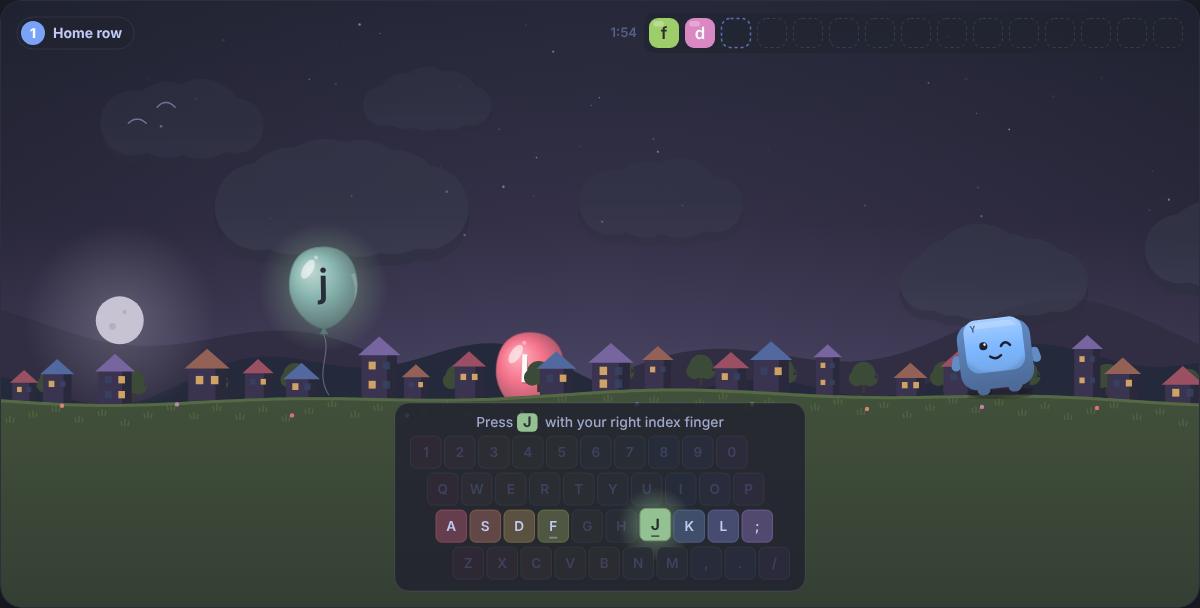
Balloons float up with a letter each. Press it to pop it, and climb from the home row to whole words in two minutes.
Balloon Pop
Balloons float up with a letter each. Press it to pop it, and climb from the home row to whole words in two minutes.
 Deep Catch
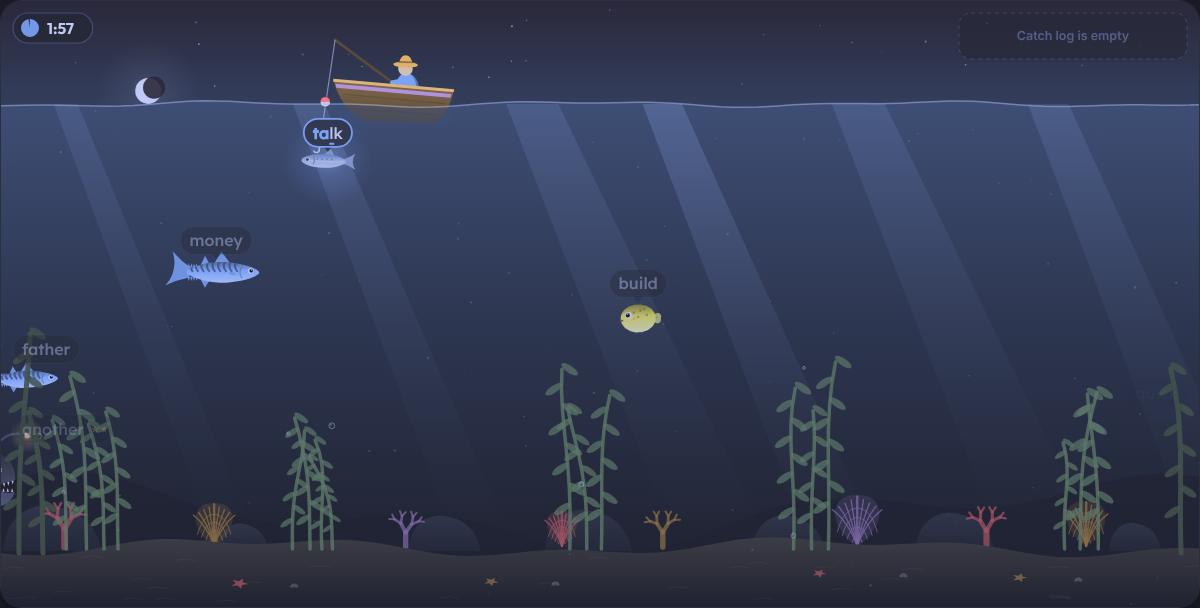
A calm underwater fishing game: type the word on a fish to hook it and reel it in before the two minutes are up.
Deep Catch
A calm underwater fishing game: type the word on a fish to hook it and reel it in before the two minutes are up.
 Alphabet
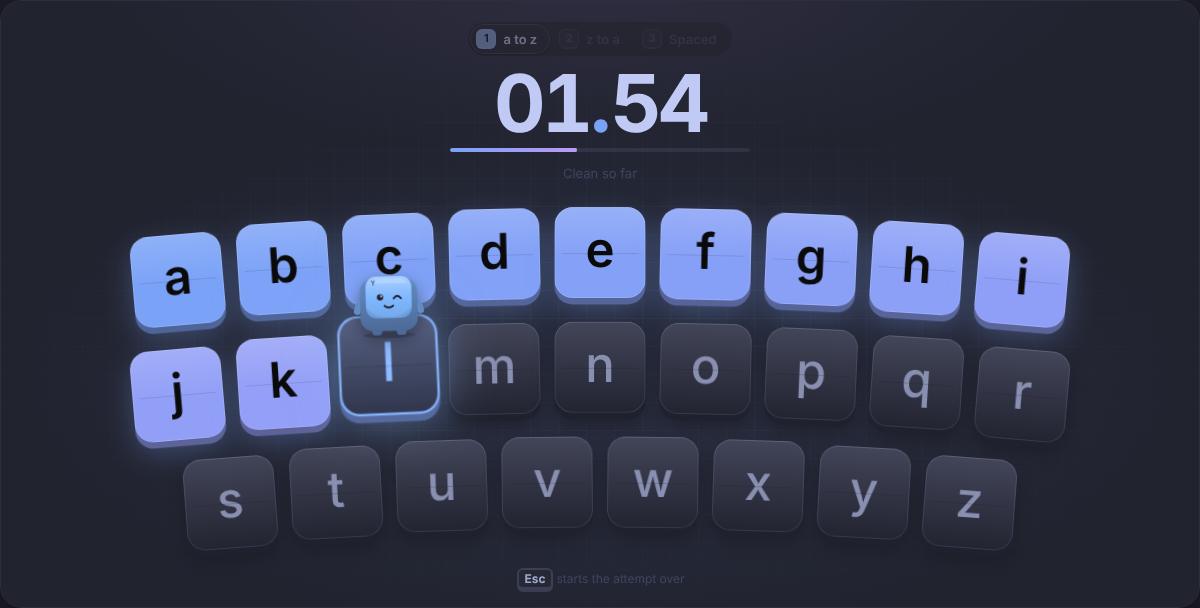
Type a to z as fast as you can, timed to the hundredth. The oldest typing bet there is.
Alphabet
Type a to z as fast as you can, timed to the hundredth. The oldest typing bet there is.
 Type Snake
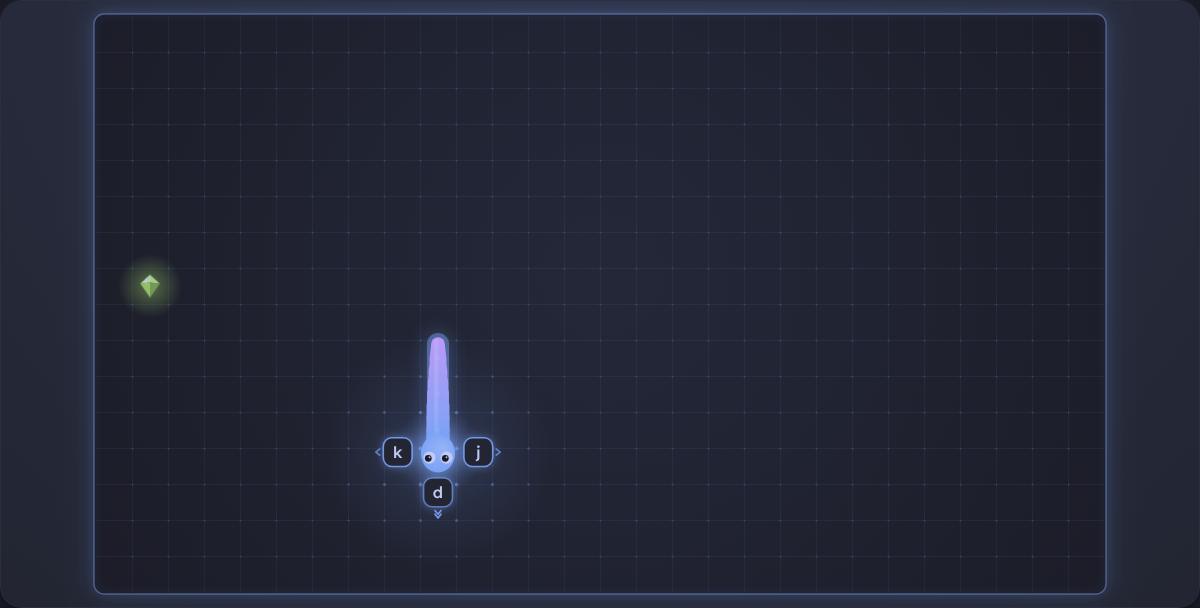
Classic snake, but you steer by typing the letter that sits on the side you want to turn to.
Type Snake
Classic snake, but you steer by typing the letter that sits on the side you want to turn to.
 Word Ninja
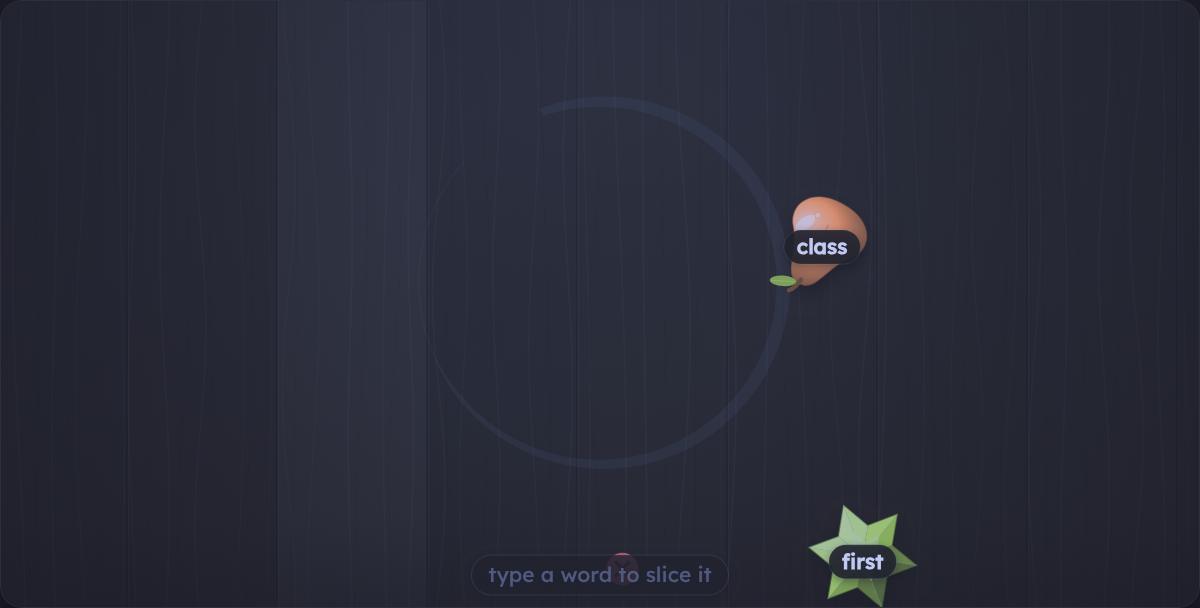
Fruit flies up from below carrying words. Type a word to slice its fruit, and leave the bombs alone.
Word Ninja
Fruit flies up from below carrying words. Type a word to slice its fruit, and leave the bombs alone.
 Falling Words
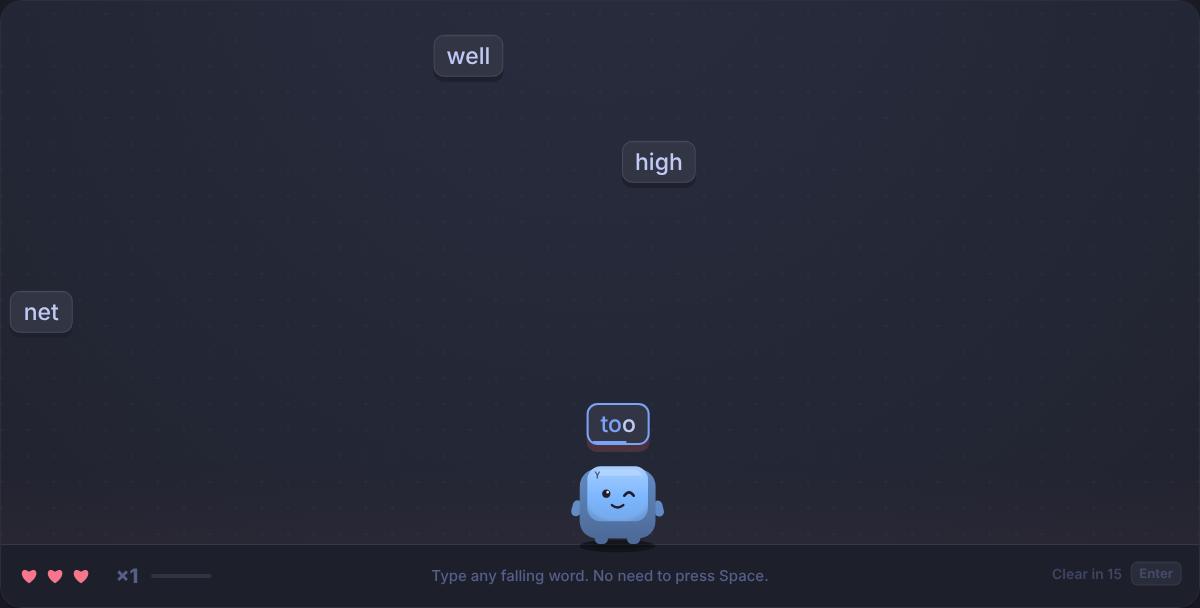
Words fall as keycaps. Type one to pop it before it lands, build a combo and climb level by level. Three lives.
Falling Words
Words fall as keycaps. Type one to pop it before it lands, build a combo and climb level by level. Three lives.
 Skyward
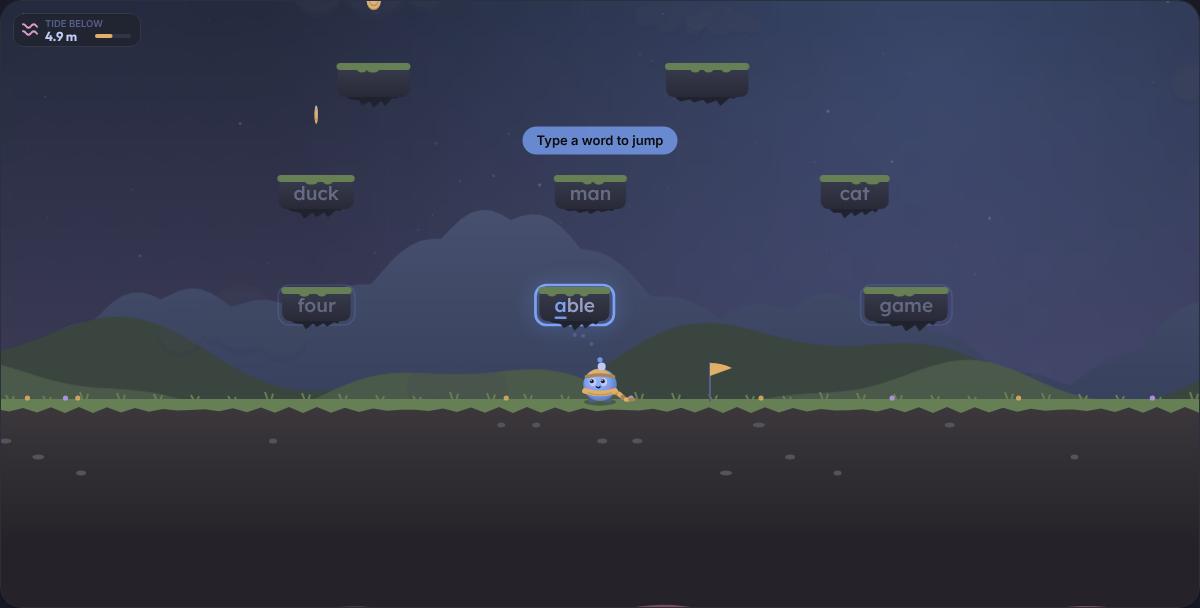
Type the word on a ledge to leap onto it and keep climbing before the rising tide catches you.
Skyward
Type the word on a ledge to leap onto it and keep climbing before the rising tide catches you.
 Word Search
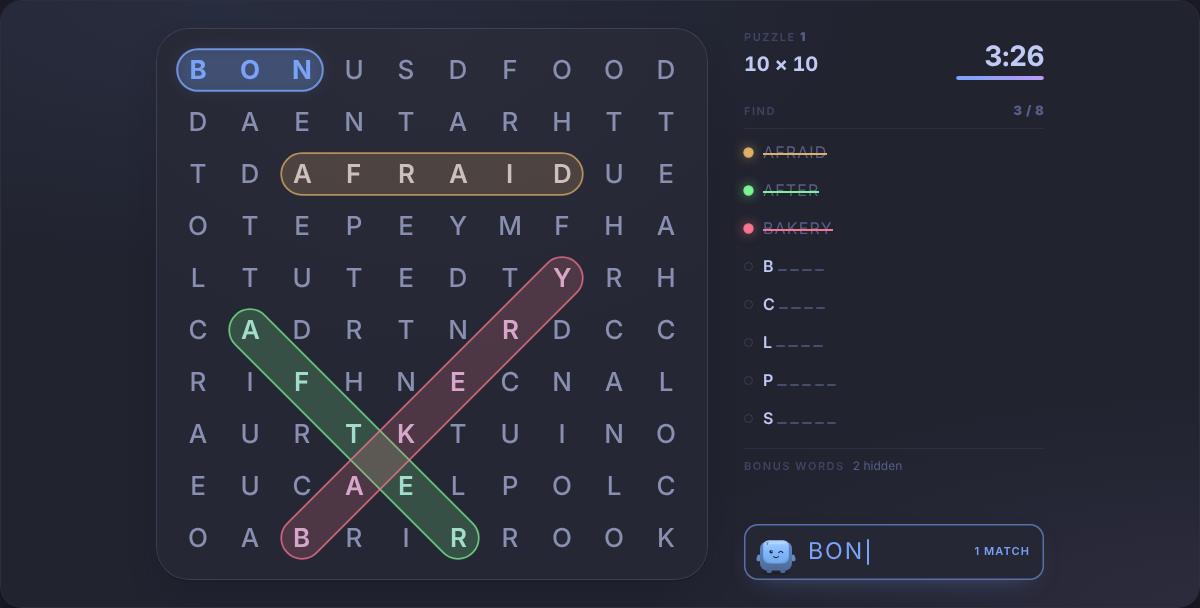
A letter grid where the list shows only each word’s first letter and length. Spot a word, type it, and every word you find buys more time.
Word Search
A letter grid where the list shows only each word’s first letter and length. Spot a word, type it, and every word you find buys more time.
Where to start
For a child who is still finding the keys, begin with Balloon Pop. Each balloon carries one letter, and the game starts on the home row before working up to whole words, so it teaches the same order a touch typing course would. Alphabet is a good next step: type a to z as fast as you can, and try to beat yesterday's time.
Once whole words come easily, Deep Catch is the calmest of the word games: type the word on a fish to hook it, with two relaxed minutes on the clock. Word Ninja and Falling Words add a little pressure, and Type Snake is a familiar game steered entirely by letters.
Tips for parents and teachers
- Posture first. Feet flat (a box or a stack of books helps if they do not reach the floor), screen at eye level, and wrists floating rather than resting on the edge of the desk.
- Home row from the start. Show them the bumps on F and J. Fingers rest there and come back after every key. The home row test is the simplest place to practise it.
- Accuracy before speed. Praise clean runs more than fast ones. A child who types slowly without looking will overtake one who types quickly while staring at the keys.
- Short and regular. Ten or fifteen minutes on most days beats an hour once a week. Stop while it is still fun.
- Turn on the on-screen keyboard. In Settings, the on-screen keyboard shows the next key in its finger's colour, which helps children who are still learning which finger goes where.
When they are ready for more
Games build interest and confidence, but structured practice is what turns them into touch typists. The free typing lessons introduce the keyboard a few keys at a time, and letter by letter adds new keys only once the old ones are mastered. Our guide to what typing games really teach explains how to mix games with practice, including in a classroom.
Safety and privacy
Nothing on Presspace asks a child for personal information. No account is needed to play, there is no chat, and results are kept in the browser on that device rather than on our servers. Accounts, which add public leaderboards and a profile, are for people aged 13 and over. Our privacy policy sets out exactly what the site stores and what the advertising and analytics services we use can see.
Questions people ask
What age can children start learning to type?
Many schools start teaching keyboard skills somewhere between seven and ten, once hands are big enough to rest across the home row comfortably. Younger children can still enjoy letter games like Balloon Pop, which only ask for one key at a time. Watch for the point where a child can find keys without hunting for each one; that is a good moment to introduce the home row properly.
Do children need an account to play?
No. Every game works without an account, and results stay in the browser on that device. Accounts are only for leaderboards and syncing between devices, and you must be at least 13 to create one.
Are there ads on the games?
Presspace is a free, general-audience site paid for by ads. On game pages they appear below the game and, on very wide screens, at the outer edges, never over the play area. This page carries no ads. As with any website, younger children are best supervised.
How long should a child practise each day?
Little and often works best. Ten to fifteen minutes a day, a few days a week, does more than one long session at the weekend. Stop while it is still fun, and finish with a game they already enjoy.